
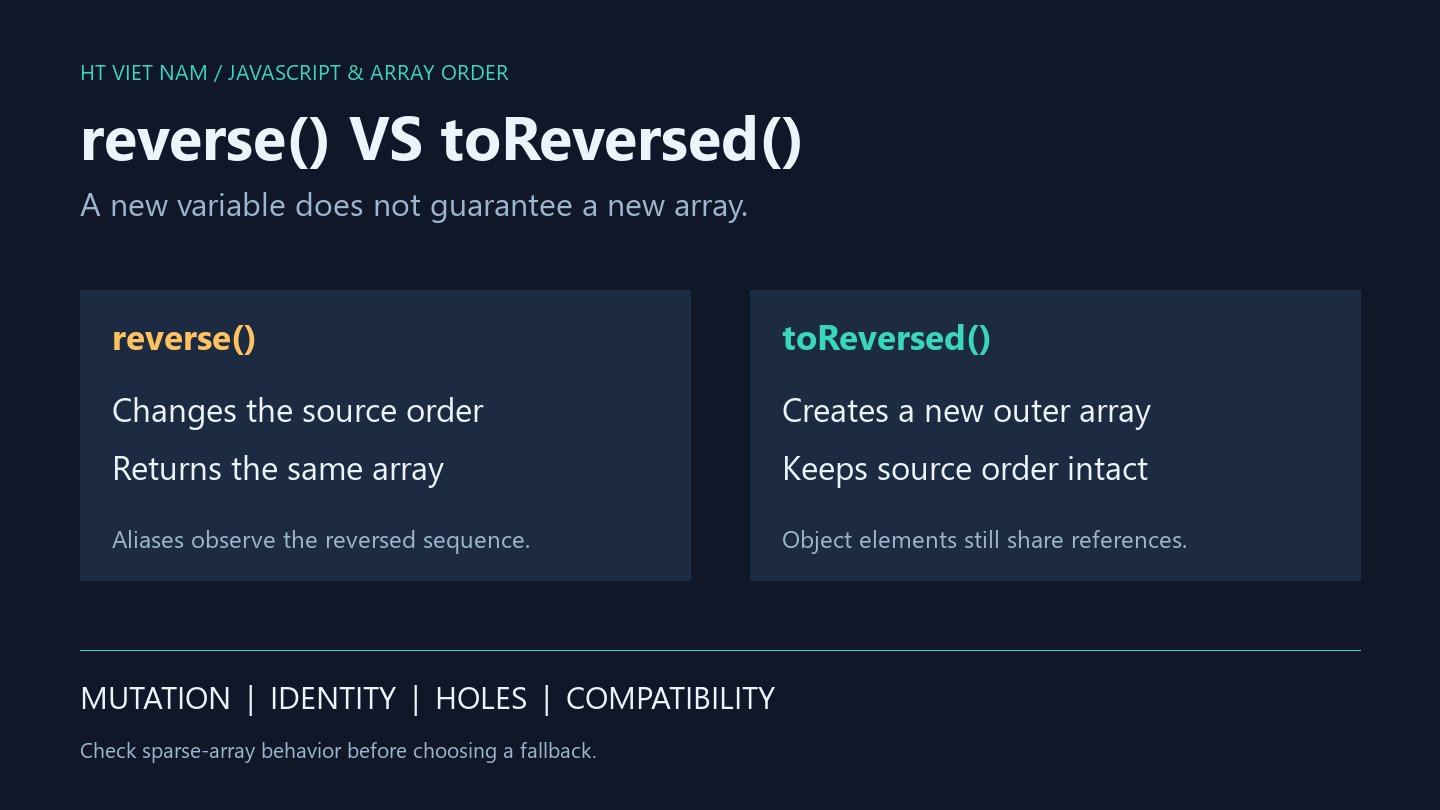
const reversed = rows.reverse() does not create an independent array. It reverses rows in place and returns the same reference. Reordering shared data for one view can therefore change another consumer's order.
1. reverse mutates the source and returns it
const rows = ['A', 'B', 'C'];
const alias = rows;
const reversed = rows.reverse();
console.log(JSON.stringify(rows)); // ["C","B","A"]
console.log(reversed === rows); // true
console.log(JSON.stringify(alias)); // ["C","B","A"]
MDN Array.reverse documents in-place reversal and returning the array itself. A new variable name does not change that behavior. const prevents rebinding, not element mutation.
A render function that reverses shared input can flip its order again on the next call. Define which component owns mutation rights and which needs a separate presentation order.
2. toReversed copies the outer array, not nested objects
const first = { id: 'A', count: 1 };
const rows = [first, { id: 'B', count: 2 }];
const reversed = rows.toReversed();
console.log(rows.map(row => row.id).join(',')); // A,B
console.log(reversed.map(row => row.id).join(',')); // B,A
console.log(reversed === rows); // false
reversed[1].count = 7;
console.log(rows[0].count); // 7
toReversed returns a new reversed array without changing source order. Object elements still share references, so the count mutation remains visible through rows.
Independent ordering is different from independently editable records. Decide which fields and nested structures need copying for a draft. Selecting toReversed addresses only the outer collection.
3. slice().reverse() differs for holes
const sparse = [, 'A'];
const viaSlice = sparse.slice().reverse();
const viaCopy = sparse.toReversed();
console.log(viaSlice[0]); // A
console.log(1 in viaSlice); // false
console.log(1 in viaCopy); // true
console.log(viaCopy[1] === undefined); // true
console.log(JSON.stringify(viaSlice) === JSON.stringify(viaCopy)); // true
For this ordinary sparse array, slice preserves the hole and reverse moves it. toReversed reads the hole as undefined and creates a dense result. Both stringify as ["A",null], despite differing index ownership.
slice().reverse() can produce a new reversed ordinary array, but is not completely equivalent to toReversed for every input. These examples exclude subclasses, custom getters, Proxies and prototype modifications.
4. Check the deployment environment
Verify toReversed support in target runtimes and browsers, not only the development machine. A fallback needs an agreed sparse-array and special-object contract rather than one passing string-array example.
Reversing a page from an API only reorders loaded elements. It does not change server sorting or guarantee global order across pagination. Requirements such as newest-first need a consistent source ordering and pagination policy.
5. Review list reversal
- May the original array be mutated?
- Do other consumers share its reference?
- Is a new outer array enough, or must records be copied?
- Are holes permitted, and must their structure survive?
- Does the target runtime support the chosen method?
All six bilingual blocks ran with Node.js 24.14.1. Additional checks cover empty and single-item arrays, frozen source arrays and sparse structure. Real interfaces and browser compatibility matrices were not tested.
No comments yet. Be the first to share your thoughts.