
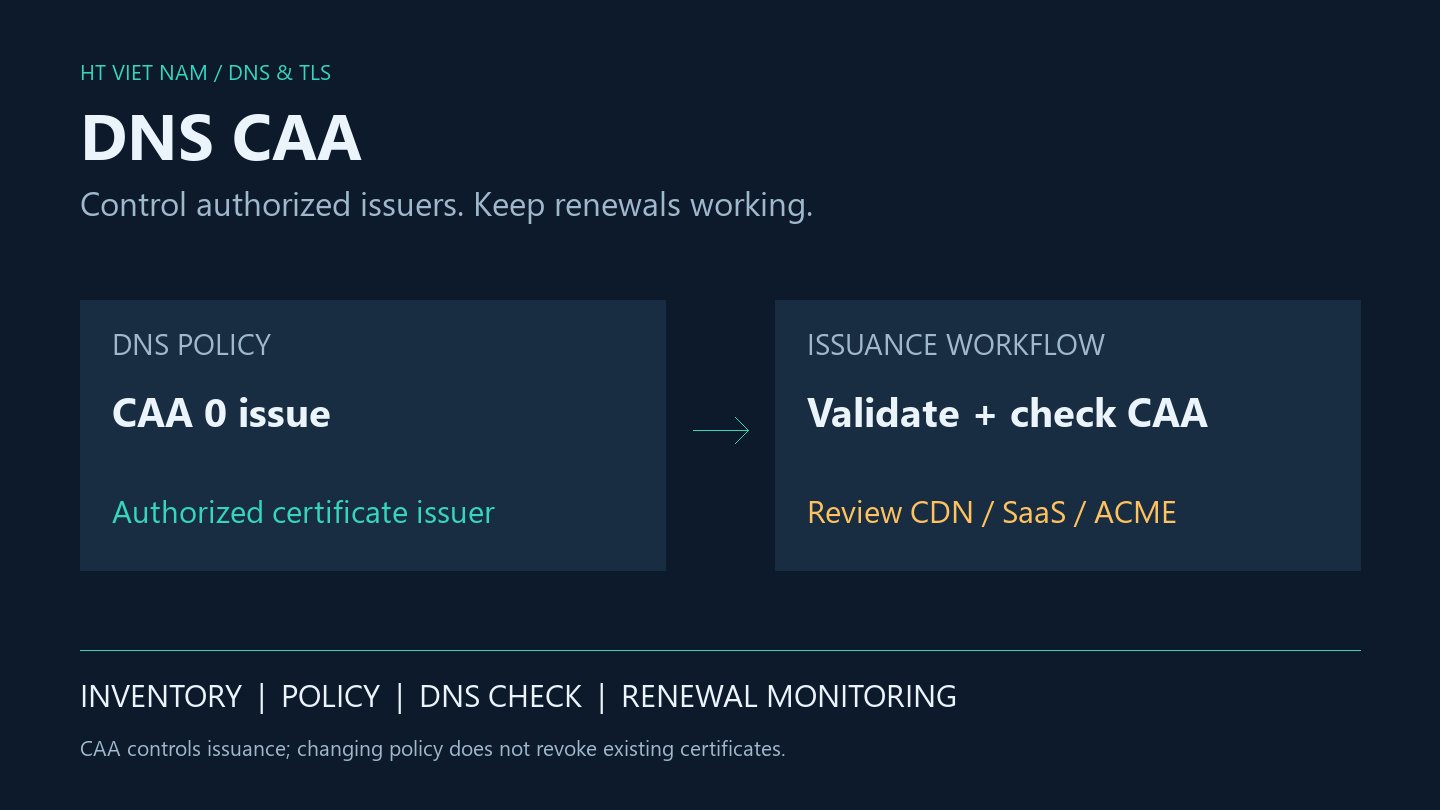
Domain validation succeeds, yet the certificate request is rejected. Besides the ACME challenge, investigate the issuance policy published in DNS: CAA. It can restrict authorized issuers, but an unreviewed change can also block legitimate renewal.
This article explains CAA for public websites and develops a review workflow. Records and hostnames are illustrative. No DNS changes or real certificate requests were performed for this article.
1. CAA governs issuance, not the entire HTTPS connection
Certification Authority Authorization lets a domain holder publish authorized certificate issuers in DNS. RFC 8659 specifies its syntax and processing.
CAA neither issues certificates nor replaces domain-control validation. It does not change browser validation of an already served certificate, and editing policy does not revoke previously issued certificates.
An allowed CA must still complete its validation process. Conversely, a successful challenge does not guarantee issuance if the applicable CAA policy does not authorize it.
2. Read the record before copying it
example.com. 3600 IN CAA 0 issue "letsencrypt.org"In this example, example.com is the owner name, 3600 is the TTL in seconds, 0 is the flags value, issue is the tag and letsencrypt.org is the CA identifier. This is zone-file syntax; provider dashboards often split these into separate fields.
Let's Encrypt's CAA documentation confirms its letsencrypt.org identifier. Obtain other CA identifiers from their official documentation rather than inferring them from a brand name.
| Tag | Purpose | Review point |
|---|---|---|
| issue | Authorizes an issuer | Also governs wildcard issuance when the applicable set has no issuewild override |
| issuewild | Defines wildcard issuance policy | Review separately for names such as *.example.com |
| iodef | Provides a reporting destination | Does not authorize issuance or guarantee every report will arrive |
Do not enable a critical flag merely because it sounds stronger. An unsupported critical property can prevent issuance; understand issuer support before introducing one.
3. The nearest policy and alias path matter
A parent-domain policy can apply to subdomains, while a closer CAA set can override inherited policy. Alias handling also participates in CAA processing. An apex screenshot alone therefore does not establish the policy applicable to every hostname.
Build an inventory before editing: hostname, DNS owner, issuing service, wildcard requirements and any CNAME destination. A CDN website, SaaS helpdesk and independently managed API can have different issuance paths.
Do not place CAA alongside a CNAME at the same owner name in violation of DNS rules. Follow provider guidance and inspect the alias path rather than forcing another record into the dashboard.
4. Do not assume a managed service always uses one CA
Managed TLS services can choose issuers according to product and configuration. Cloudflare's CAA guidance illustrates why edge-certificate requirements must be checked against the service in use.
Before narrowing policy, ask each service owner which issuers are required, whether issuer changes are possible, which names each certificate covers and where renewal is monitored. Date these findings instead of treating an old issuer list as permanent.
A restrictive mismatch may remain invisible while an existing certificate works. The failure appears when a new certificate or renewal is attempted. A working website is therefore insufficient verification of a CAA change.
5. Inspect DNS without discarding diagnostic context
With BIND dig, query CAA and inspect status, responding server, ANSWER and AUTHORITY. See the ISC dig manual for command syntax:
dig example.com. CAA
dig api.example.com. CAA
dig api.example.com. CNAME
dig example.com. NS
dig @ns1.example.com. example.com. CAA +norecurse
Replace the nameserver with an actual authoritative server for the zone. Query all published servers to identify inconsistent answers. These commands read DNS; they do not modify it.
An empty CAA answer at one hostname does not establish that no policy applies: inspect response status, aliases and parent policy. SERVFAIL and timeout are not equivalent to a valid response showing no record.
Preserve the exact requested names, timestamp, requesting CA, ACME error and DNS responses. Redact credentials and sensitive data before sharing logs.
6. Make the change reviewable
- Inventory issuance and renewal paths for the domain and related hostnames.
- Record the existing RRset, TTL, change owner and recovery plan.
- Draft policy using current CA, CDN and SaaS documentation; review wildcards and aliases explicitly.
- Test in an appropriate nonproduction environment and understand staging limitations.
- After the change, verify authoritative DNS, resolvers and legitimate issuance workflows.
- Monitor renewals and certificate expiry rather than waiting until expiration approaches.
Restoring old records also takes time to become visible through caches. Plan the change window and incident ownership in advance instead of reducing recovery to “delete CAA.”
7. Operational handoff checklist
- Each hostname has a certificate owner and a documented renewal path.
- Wildcard policy has been reviewed independently.
- No conflict exists with aliases or managed TLS services.
- Unexplained DNS query failures have been resolved.
- Issuance or renewal evidence is available, beyond a screenshot of a working site.
- Expiry alerts and the previous configuration are ready.
CAA works best with domain inventory and certificate operations. Maintain it as an issuance policy tied to real services, rather than adding a security record once and forgetting it.



No comments yet. Be the first to share your thoughts.