
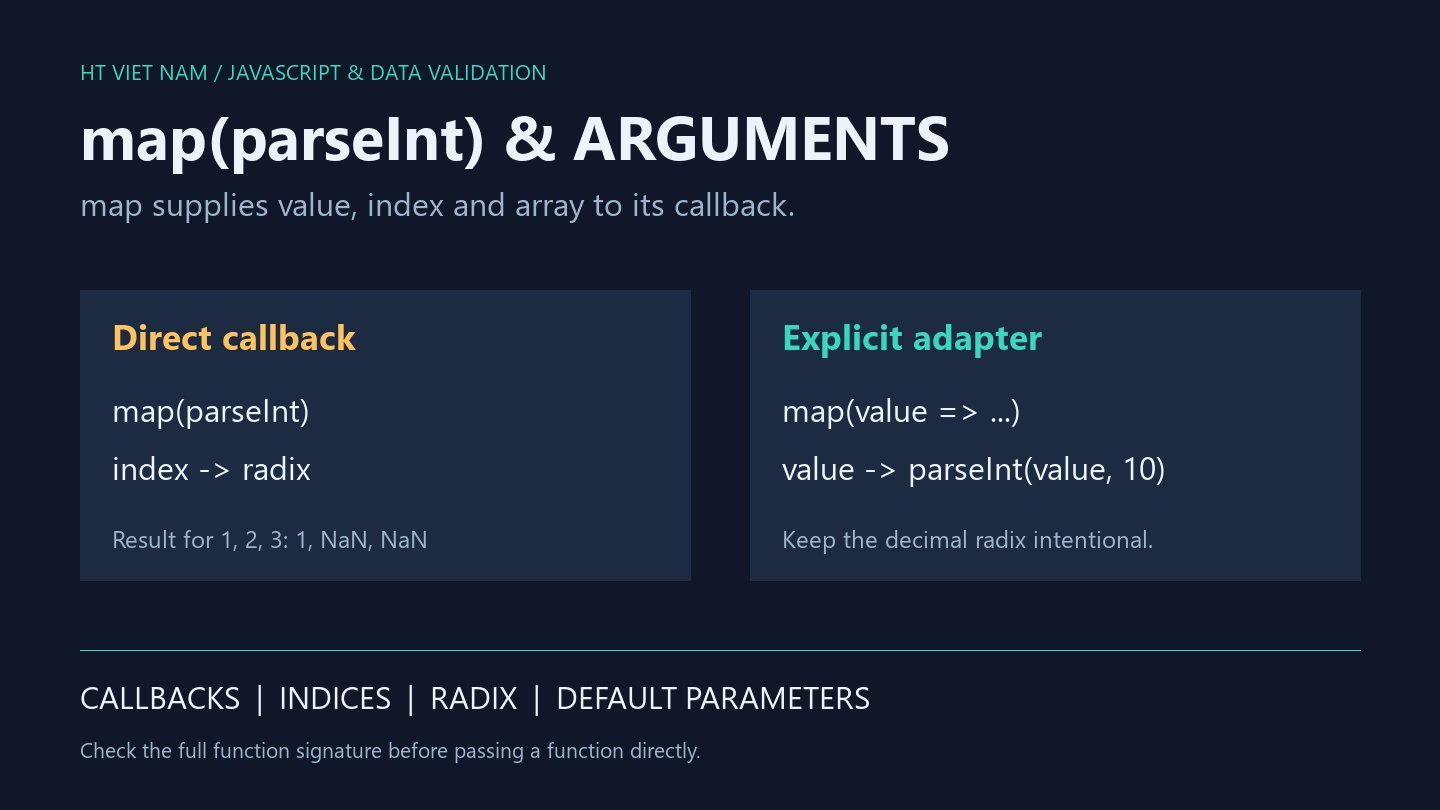
Replacing map(value => parseInt(value, 10)) with map(parseInt) introduces NaN values. The change alters argument passing rather than merely shortening syntax. A function that works in direct calls may not match an array method's callback contract.
1. Valid-looking input can still produce a surprising result
const values = ['1', '2', '3'];
const result = values.map(parseInt);
console.log(result.map(String).join(',')); // 1,NaN,NaN
console.log(parseInt('2', 10)); // 2
String conversion displays NaN directly. JSON.stringify would turn NaN array entries into null, obscuring the behavior under investigation.
2. map passes the index and source array too
const values = ['1', '2', '3'];
const received = [];
values.map((value, index, array) => {
  received.push(`${value}:${index}:${array === values}`);
  return value;
});
console.log(received.join('|')); // 1:0:true|2:1:true|3:2:true
The arguments are value, index and array. parseInt interprets the first two as text and radix. The calls become parseInt('1', 0), parseInt('2', 1) and parseInt('3', 2).
Radix 0 permits inference, producing 1 here. Radix 1 is invalid, and '3' is invalid as a base-2 digit. Both later calls return NaN even though the strings look like ordinary decimal input.
3. Adapt the arguments explicitly
const values = ['1', '2', '3'];
const result = values.map(value => parseInt(value, 10));
console.log(result.join(',')); // 1,2,3
console.log(['12px'].map(value => parseInt(value, 10))[0]); // 12
console.log(['', '1e2'].map(Number).join(',')); // 0,100
The arrow passes only the value and an intentional decimal radix. This fixes argument wiring, but parseInt still accepts a numeric prefix such as '12px'. Full-input validation remains a separate task.
map(Number) avoids the radix collision, yet accepts empty text as 0 and exponent notation as 100. Choose conversion rules deliberately. Number.parseInt also accepts a radix and does not resolve this callback issue.
4. Default parameters can be overwritten unexpectedly
function formatCode(value, width = 4) {
  return value.padStart(width, '0');
}
console.log(['7', '7', '7'].map(formatCode).join(',')); // 7,7,07
console.log(['7', '7', '7'].map(value => formatCode(value)).join(',')); // 0007,0007,0007
The direct callback receives widths 0, 1 and 2 from the indices. Its default 4 applies only when width is omitted or undefined. The wrapper deliberately omits it.
This custom example demonstrates the same failure pattern outside parseInt. Review extra arguments, receiver expectations and return values when refactoring callbacks. A short adapter can communicate the intended call clearly.
5. Review before shortening callbacks
- Which arguments does the API supply, and in which order?
- How does the supplied function interpret extra arguments?
- Can an index overwrite a radix, width or option?
- Do tests include multiple elements rather than index 0 alone?
- Does the fix preserve input-validation rules?
All eight bilingual code blocks ran with Node.js, alongside numeric-string and formatCode checks. Browser forms and performance were not tested. References: MDN Array.map and MDN parseInt.

No comments yet. Be the first to share your thoughts.