
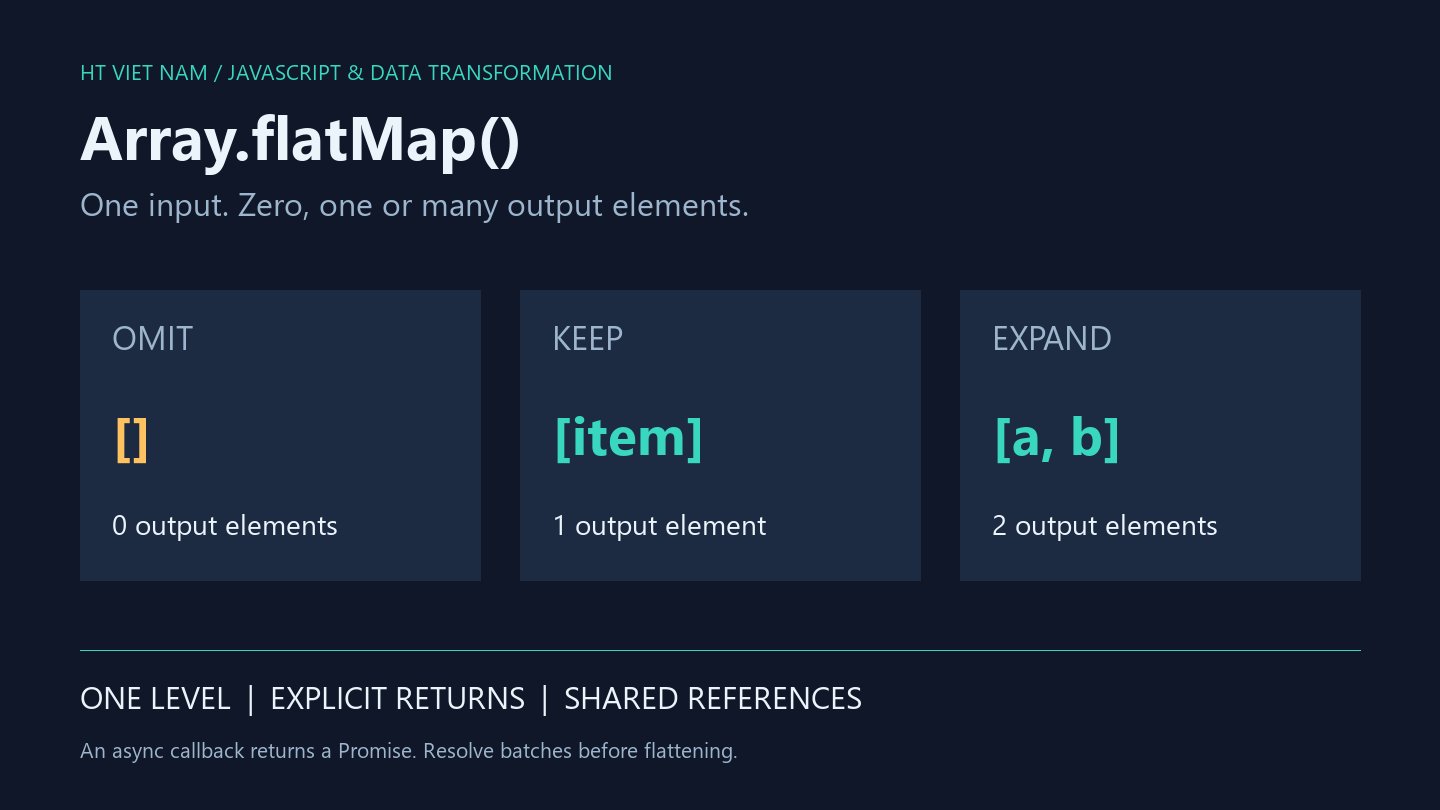
Orders contain multiple items, while a report needs a flat list of lines. map produces one result per input; flatMap is useful when an input produces zero, one or several output elements.
The callback's return shape is the key contract. An empty array intentionally omits an item; accidentally returning undefined does something different.
1. Expand order lines while retaining their source
const orders = [
  { id: 'A', items: ['keyboard', 'mouse'] },
  { id: 'B', items: [] },
  { id: 'C', items: ['screen'] }
];
const rows = orders.flatMap(order =>
  order.items.map(item => ({ orderId: order.id, item }))
);

console.log(rows.map(row => row.orderId + ':' + row.item).join('|'));
// A:keyboard|A:mouse|C:screen
Order B produces no lines. Each new line retains orderId for traceability. Flattening a report should not discard the relationship needed to identify its source record.
The example assumes validated order and item schemas. flatMap does not validate API input. Handle null or incorrect items at the boundary according to an explicit policy.
2. Return an empty array to omit an item
const values = [2, -1, 3];
const expanded = values.flatMap(value =>
  value < 0 ? [] : [value, value * 10]
);
const accidental = values.flatMap(value => {
  if (value >= 0) return [value];
});

console.log(JSON.stringify(expanded));   // [2,20,3,30]
console.log(accidental.length);         // 3
console.log(accidental[1] === undefined); // true
A missing return produces undefined, which becomes an output element. It is not equivalent to []. Return [value] to retain one item, [] to omit it or a multi-element array to expand it.
Review every callback branch and the output cardinality it intentionally produces.
3. Flattening is only one level deep
const nested = [1, 2].flatMap(value => [[value, value * 10]]);
const text = ['ab', 'cd'].flatMap(value => value);

console.log(JSON.stringify(nested)); // [[1,10],[2,20]]
console.log(JSON.stringify(text));   // ["ab","cd"]
The callback's outer array is flattened, but inner arrays remain. Strings returned directly are not split into characters. Define the desired schema before repeatedly flattening away potentially meaningful group boundaries.
4. New arrays can still share element objects
const item = { label: 'Draft' };
const source = [item];
const result = source.flatMap(value => [value]);
result[0].label = 'Ready';

console.log(result !== source);       // true
console.log(result[0] === source[0]); // true
console.log(source[0].label);         // Ready
A new result array does not deep-copy returned objects. Create fresh objects at the required level if later edits must leave the source independent. Callbacks can also mutate their inputs, so using flatMap does not establish purity.
5. Async callbacks return promises before arrays
const pending = [1, 2].flatMap(async value => [value, value * 10]);
console.log(pending[0] instanceof Promise); // true

const batches = await Promise.all(
  [1, 2].map(async value => [value, value * 10])
);
console.log(JSON.stringify(batches.flat())); // [1,10,2,20]
Run this inside an async function or a module supporting top-level await. flatMap does not await callback promises. Here Promise.all resolves the batches before flattening.
No network requests occur. Real requests need separate error and concurrency policies: Promise.all neither limits task counts nor automatically cancels other work after a failure.
6. Test output shape and cardinality
- Empty inputs produce empty outputs.
- Cover omission, retention and expansion.
- Catch undefined caused by missing return branches.
- Preserve source identifiers and group order.
- Check shared references when results will be edited.
- Distinguish empty slots from explicit undefined; source-array holes are skipped.
- Measure realistic data before making performance claims.
The snippets ran locally with Node.js, including the async example. No performance benchmark or product API integration was tested. Reference: Array.prototype.flatMap.
Use flatMap when its zero–one–many model makes the transformation clear. An explicit loop may better express complex state or early termination.

No comments yet. Be the first to share your thoughts.