
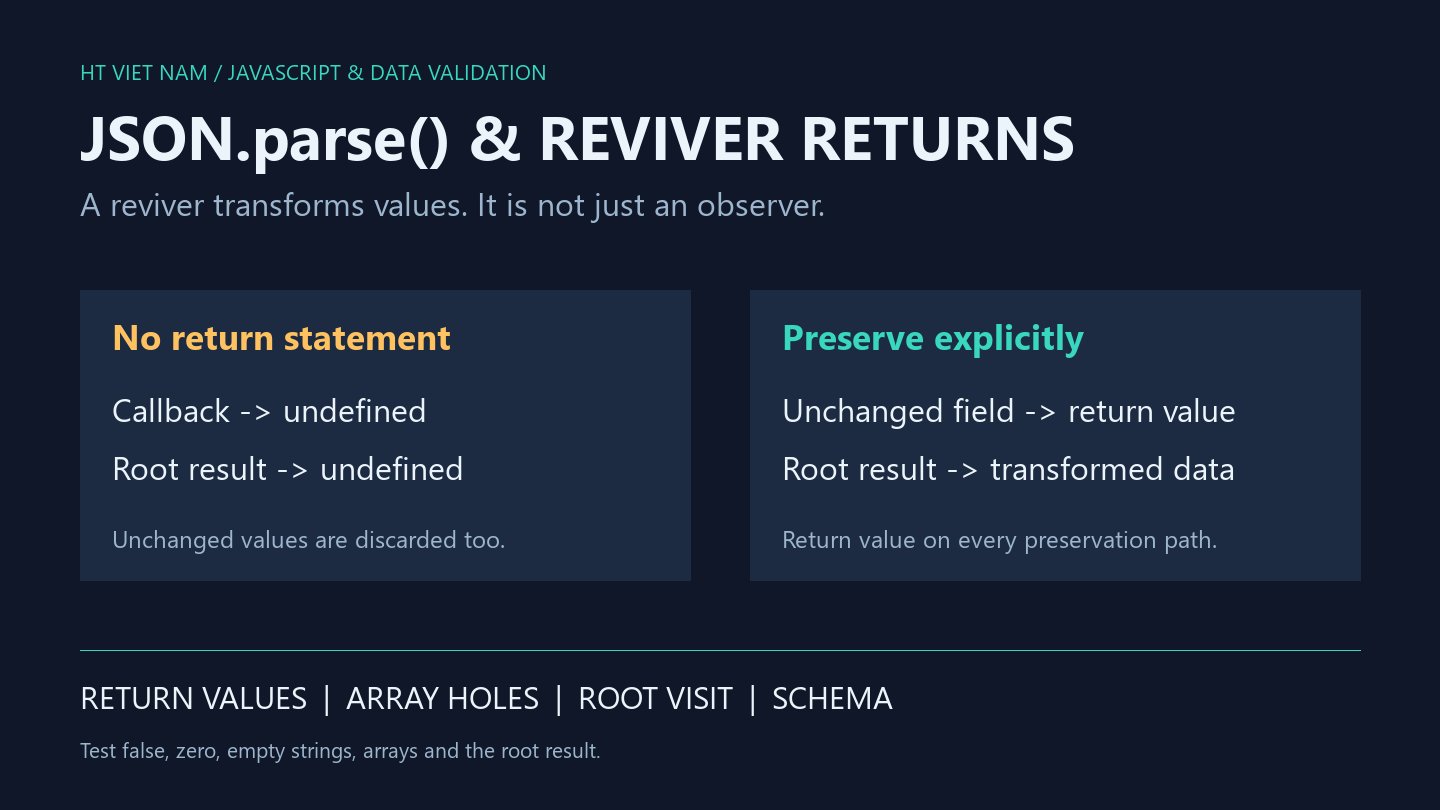
Valid JSON produces undefined after adding an inspection callback. The JSON.parse reviver transforms values rather than merely observing them. Its return value determines what is retained, replaced or deleted.
1. Missing return can discard the entire result
const visited = [];
const result = JSON.parse('{"count":2}', (key, value) => {
  visited.push(key);
});
console.log(result === undefined); // true
console.log(JSON.stringify(visited)); // ["count",""]
A callback without return produces undefined. The reviver visits count and then the root under an empty key. Returning undefined at the root discards the entire result; the input JSON is not syntactically invalid.
2. Return value for fields that should remain
const result = JSON.parse('{"label":"ready","enabled":false}', (key, value) => {
  if (key === 'label' && typeof value === 'string') {
    return value.toUpperCase();
  }
  return value;
});
console.log(JSON.stringify(result)); // {"label":"READY","enabled":false}
The default return preserves unchanged values, including the root object. Avoid return value || undefined: it deletes valid false, zero and empty-string values too.
A name-based rule affects label properties at every depth. For a transformation limited to one schema path, parsing first and transforming explicitly may be clearer.
3. Deleting an array element leaves a hole
const result = JSON.parse('[1,2,3]', (key, value) => {
  if (value === 2) return undefined;
  return value;
});
console.log(result.length); // 3
console.log(Object.hasOwn(result, 1)); // false
console.log(JSON.stringify(result)); // [1,null,3]
The example demonstrates unchanged length and an absent indexed property. Reserializing expresses that hole as null; the in-memory result was not a replacement of 2 with null. Parse and filter deliberately when a shorter list is required.
4. Children are processed before parents
const order = [];
const result = JSON.parse('{"child":{"value":2}}', (key, value) => {
  order.push(key);
  if (key === 'value') return value * 10;
  if (key === 'child') console.log(value.value); // 20
  return value;
});
console.log(JSON.stringify(order)); // ["value","child",""]
console.log(result.child.value); // 20
The child callback receives the already transformed nested value. The final root visit uses ''. Actual JSON properties can also have empty names, so key === '' alone cannot identify the root for arbitrary data.
Parsing does not validate application schemas. Check required fields, types and allowed ranges after transformation. These small examples do not handle dates or special numeric formats.
5. Review a reviver before introducing it
- Return value on every preservation path.
- Check the root result as well as child fields.
- Test false, zero, empty strings and null.
- Inspect array length and holes.
- Review same-named fields at different depths.
- Validate the resulting schema.
All eight bilingual code blocks ran with Node.js, alongside falsy-preservation and root-visit checks. API integration and performance were not tested. References: MDN JSON.parse and ECMAScript JSON.parse.
No comments yet. Be the first to share your thoughts.