
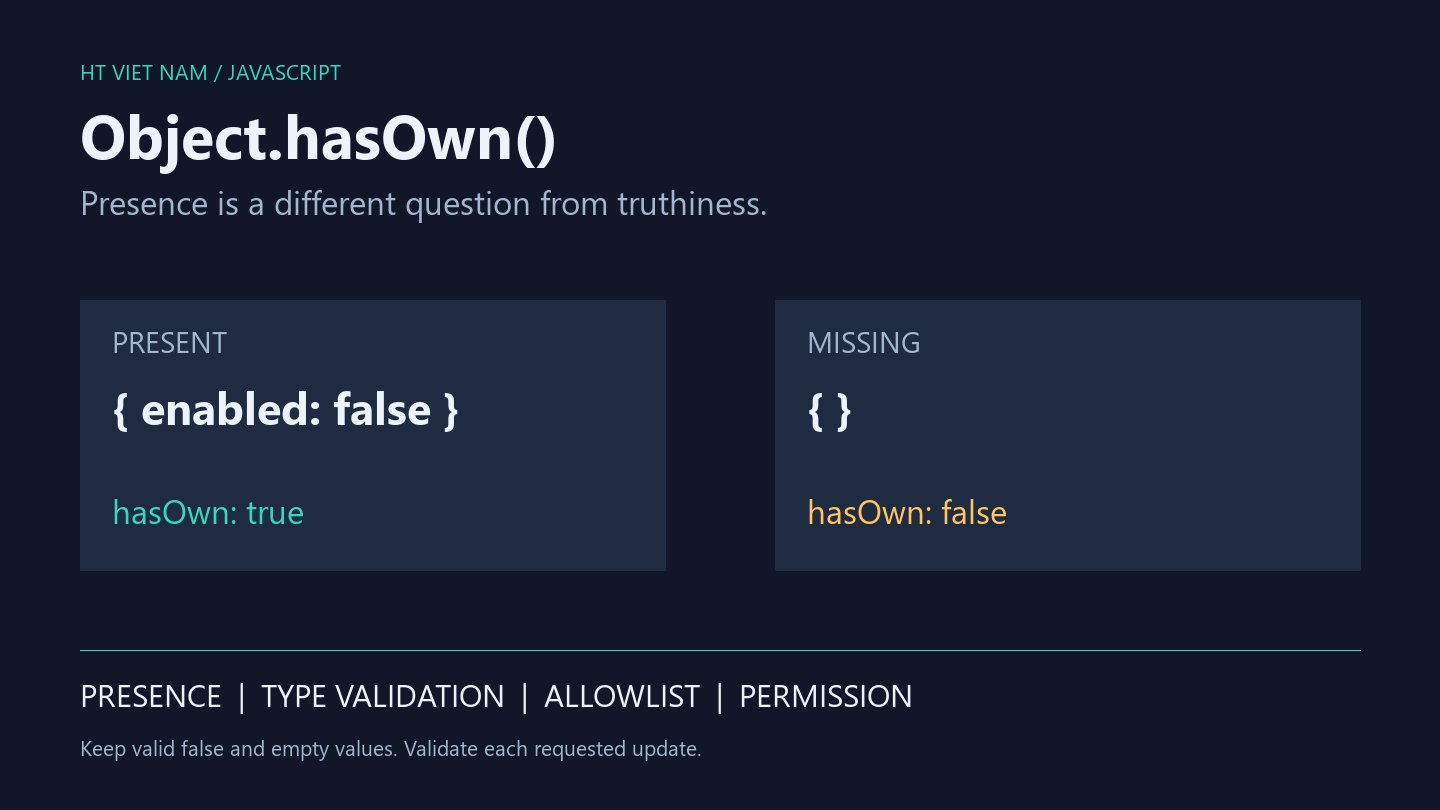
A user disables notifications, saves the form, and finds them still enabled. One possible cause is an update guarded by if (input.enabled). The false value is discarded even though it represents the user's intended change.
Partial updates require three separate decisions: was the field supplied, is its value valid, and may this caller change it? Object.hasOwn() helps with presence, not validation or authorization.
1. Presence is different from truthiness
Consider an object constructed directly in JavaScript:
const input = {
  enabled: false,
  retries: 0,
  note: '',
  selected: undefined,
};

Object.hasOwn(input, 'enabled');  // true
Object.hasOwn(input, 'selected'); // true
Object.hasOwn(input, 'missing');  // false
MDN Object.hasOwn() documents that own properties are detected even when their value is null or undefined. A truthiness check answers a different question.
Testing input.selected === undefined cannot distinguish an explicitly present undefined value from an absent property. An update contract may assign different meanings to those cases.
2. Compare ownership with the in operator
The in operator also examines the prototype chain:
const defaults = { enabled: true };
const input = Object.create(defaults);
input.note = '';

'enabled' in input;                // true
Object.hasOwn(input, 'enabled');   // false
Object.hasOwn(input, 'note');      // true
For a caller-supplied patch, inherited defaults should not automatically become requested changes. For an object interface intentionally using inheritance, in may be appropriate. Do not replace every in check indiscriminately.
3. Read a small update through an allowlist
This example accepts two explicit fields. enabled must be boolean; note must be a string no longer than 200 UTF-16 code units as measured by String.length. That is an illustrative contract, not a universal definition of visible character count:
function readSettingsUpdate(input) {
  if (input === null || typeof input !== 'object'
      || Array.isArray(input)) {
    throw new TypeError('Expected an object');
  }

  const patch = {};

  if (Object.hasOwn(input, 'enabled')) {
    if (typeof input.enabled !== 'boolean') {
      throw new TypeError('enabled must be boolean');
    }
    patch.enabled = input.enabled;
  }

  if (Object.hasOwn(input, 'note')) {
    if (typeof input.note !== 'string' || input.note.length > 200) {
      throw new TypeError('note must be a short string');
    }
    patch.note = input.note;
  }

  return patch;
}
The reader preserves false and an empty string, ignores fields outside the allowlist, and rejects null where it is not allowed. If the product uses null to clear a value, implement that explicitly.
This function does not write to a database. The backend must still authenticate, authorize and validate according to its API contract. Checking a few properties is not a reason to copy the entire input into a model.
4. JSON differs from an in-memory object
JavaScript objects can hold undefined, but JSON has no undefined literal. JSON.parse('{"enabled":false}') preserves enabled, while JSON.parse('null') returns null. Valid JSON does not guarantee an object at the top level; see MDN JSON.parse().
Check structure before checking properties when callers can supply arrays, null or primitive values. Handle malformed JSON at the request boundary separately from field-level validation.
For clients using JSON.stringify, inspect the transmitted payload rather than only the object before serialization. An in-memory undefined test does not establish that a server receives an undefined field over JSON.
5. Avoid trusting an input's hasOwnProperty method
An object may define its own hasOwnProperty field or have a null prototype. Object.hasOwn(input, key) avoids relying on that method on the input itself. For older runtimes without hasOwn, check compatibility and choose an appropriate polyfill or standardized fallback.
The examples target JSON data and ordinary data objects. Getters and proxies can run additional logic during property access. Ownership checks are not a sandbox, data sanitizer or comprehensive prototype-pollution defense.
6. Test the intended data semantics
| Input | Expected example behavior |
|---|---|
{} | No requested field updates |
{ enabled: false } | Preserve the request to disable notifications |
{ note: '' } | Preserve the request to clear the note |
{ enabled: 0 } | Reject the wrong type |
{ note: null } | Reject under the non-null contract |
null or [] | Reject the input structure |
The example checks were run locally with Node.js: valid falsy values are preserved, inherited fields do not become updates and invalid inputs are rejected. This verifies the JavaScript example, not browser form behavior or an integrated API.
When reviewing partial-update code, ask whether a field was supplied before deciding what its value means. Separating presence, type and permission prevents small implementation mistakes from overriding users' choices.
No comments yet. Be the first to share your thoughts.