
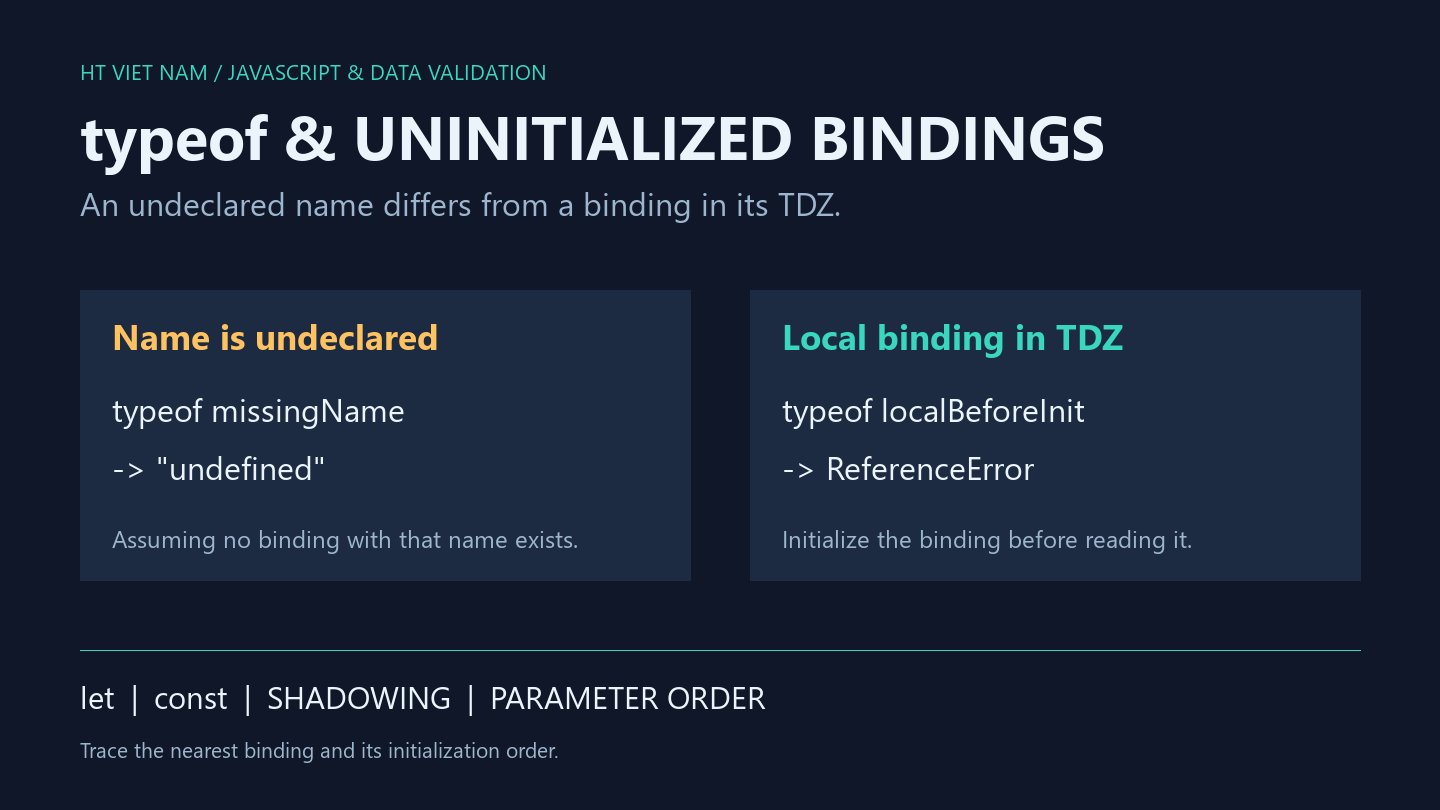
A typeof guard still throws ReferenceError. typeof can handle an undeclared name, but cannot read an uninitialized let or const binding. Refactoring into blocks or adding a same-named local variable can expose this distinction.
1. Undeclared differs from initialized undefined
console.log(typeof htvMissingNameForExample); // undefined
let ready;
console.log(typeof ready); // undefined
console.log(ready === undefined); // true
This example assumes htvMissingNameForExample is absent from the environment. Both typeof expressions produce the string 'undefined', but ready is a valid binding that can be read directly. An unassigned let initializes to undefined when its declaration executes.
2. typeof can throw before initialization
{
  try {
    console.log(typeof count);
  } catch (error) {
    console.log(error instanceof ReferenceError); // true
  }
  let count = 1;
  console.log(typeof count); // number
}
The block's count binding exists but is not initialized at the first read. This interval is the temporal dead zone, or TDZ. typeof does not bypass it.
Review execution order rather than switching to var merely to suppress the symptom. const likewise requires its declaration to execute, and must include an initializer.
3. Local bindings shadow outer names throughout the block
const limit = 10;
{
  try {
    console.log(limit);
  } catch (error) {
    console.log(error instanceof ReferenceError); // true
  }
  const limit = 20;
  console.log(limit); // 20
}
console.log(limit); // 10
Inside the block, limit resolves to the uninitialized local binding rather than falling back to the outer 10. After initialization it is 20; outside, the original binding remains 10. This explains why adding a later declaration can break an earlier read. Distinct names help when the variables represent different concepts.
4. Default parameters initialize in order too
function combine(first = second, second = 2) {
  return first + second;
}
try {
  combine(undefined, 3);
} catch (error) {
  console.log(error instanceof ReferenceError); // true
}
console.log(combine(1, 3)); // 4
function copyDefault(first = 2, second = first) {
  return first + second;
}
console.log(copyDefault()); // 4
Initialization proceeds left to right. The first default reads second before that binding is ready, even though the call supplies 3. Supplying first skips its default expression. copyDefault demonstrates a later default depending on an already initialized parameter; it does not validate numeric input.
5. Trace the actual binding
- Identify which binding the identifier resolves to.
- Look for a same-named let or const in the nearest block.
- Check whether execution reaches a read before initialization.
- Review defaults that depend on later parameters.
- Test undefined inputs as well as fully supplied arguments.
All eight bilingual code blocks ran with Node.js, alongside let, const and default-parameter checks. Module dependency cycles and browser applications were not tested. References: MDN typeof, let and default parameters.

No comments yet. Be the first to share your thoughts.