
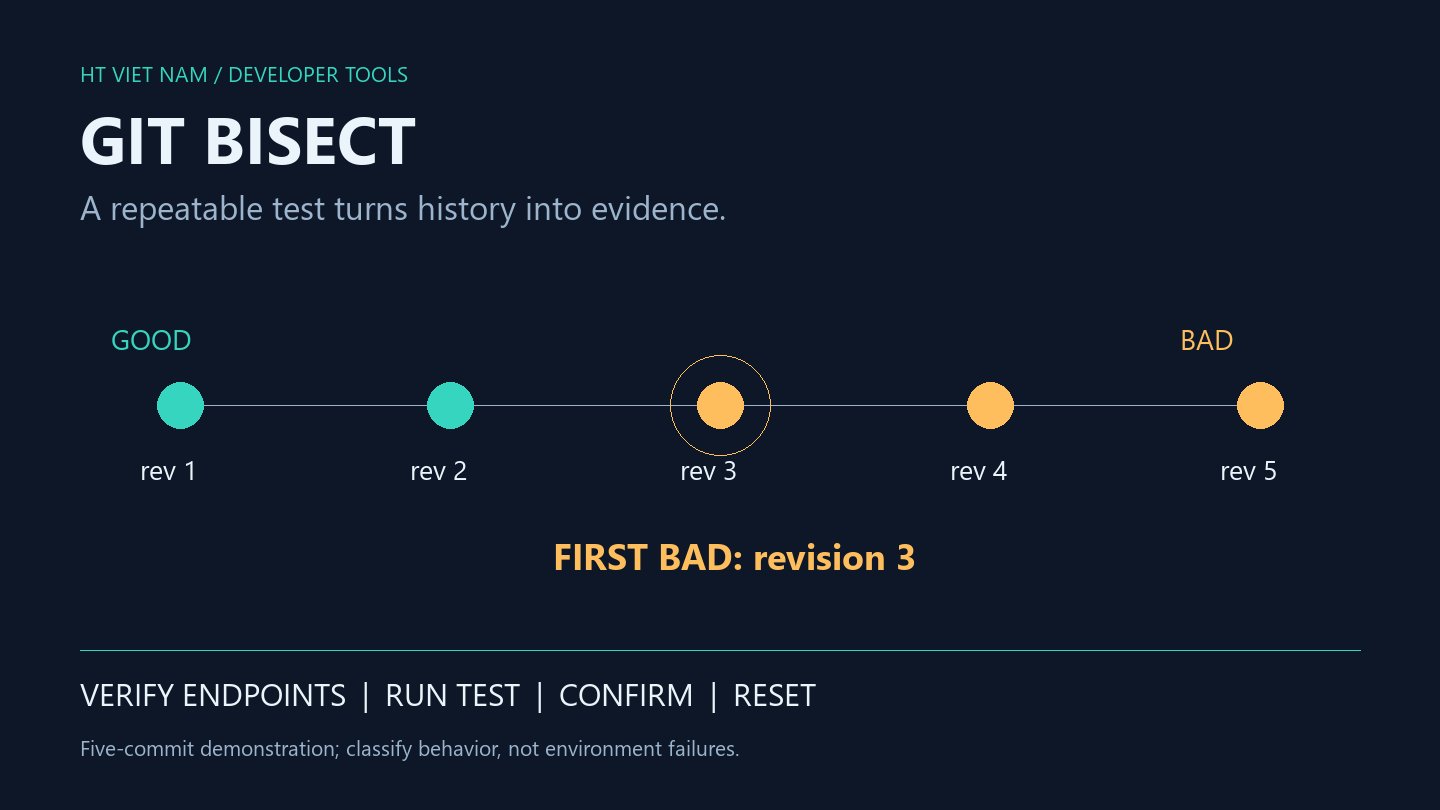
The previous release works, the current revision fails, and dozens of commits lie between them. Reading every diff in order may be slow. Git bisect narrows the investigation through targeted tests, but the answer is only as trustworthy as the definition of failure.
This guide focuses on a reproducible regression: the same input starts producing an incorrect result after a change. Replace example tags and files with your project's equivalents. Use a safe working environment before switching revisions.
1. Define failure before searching history
“The page feels slow” is not a reliable classifier. A more useful criterion is “this fixture must return status 200 and the expected total” or “this pricing function must return 10 for a fixed input.” Record runtime, configuration and test data in the investigation notes.
Performance investigations need repeated samples, comparable cache conditions and a threshold separated from normal noise. If the same commit alternates between pass and fail, stabilize the test first. Automation does not make an unreliable classifier trustworthy.
2. Verify the workspace and endpoints
git status --short
git rev-parse --verify HEAD
git rev-parse --verify 'stable-release^{commit}'
Here stable-release is an example tag believed to be good. git status reports index, working-tree and untracked-file state; git rev-parse verifies revision names before use.
Run the same test at both endpoints: the older revision must pass and the newer one must reproduce the intended failure. Record full commit IDs so moving references do not make the notes ambiguous. Obtain the required history if the repository lacks older revisions.
3. Perform a manual search
The git bisect manual describes starting with known bad and good revisions, then classifying intermediate commits selected by Git:
git bisect start
git bisect bad HEAD
git bisect good stable-release

# Run the same test at the selected revision.
# Choose one classification based on the result:
git bisect good
# or: git bisect bad
Do not execute both classification commands sequentially. Each marks the revision currently checked out. Rebuild what is necessary and use the dependency lockfile belonging to that revision; otherwise old code may accidentally be tested with the new release's environment.
4. Understand bisect run with a small fixture
In an isolated example repository, value.txt contains 10 in the first two commits and 12 starting at the third. A check.php file exists throughout the history:
<?php
$value = trim(file_get_contents(__DIR__ . '/value.txt'));
exit($value === '10' ? 0 : 1);
With baseline pointing to the first commit and HEAD at the fifth:
git bisect start HEAD baseline
git bisect run php check.php
This five-commit fixture was actually run locally for this article. Git correctly identified the third commit, and bisect reset ended the session. That verifies this simple demonstration, not an application's production pipeline.
For a real project, replace the file check with the smallest regression test reproducing the problem. Ensure the test is consistently available across revisions. If a script exists only at HEAD and disappears after checkout, provide an external harness rather than allowing a missing-script error to become evidence of a regression.
5. Separate environment failures from behavior failures
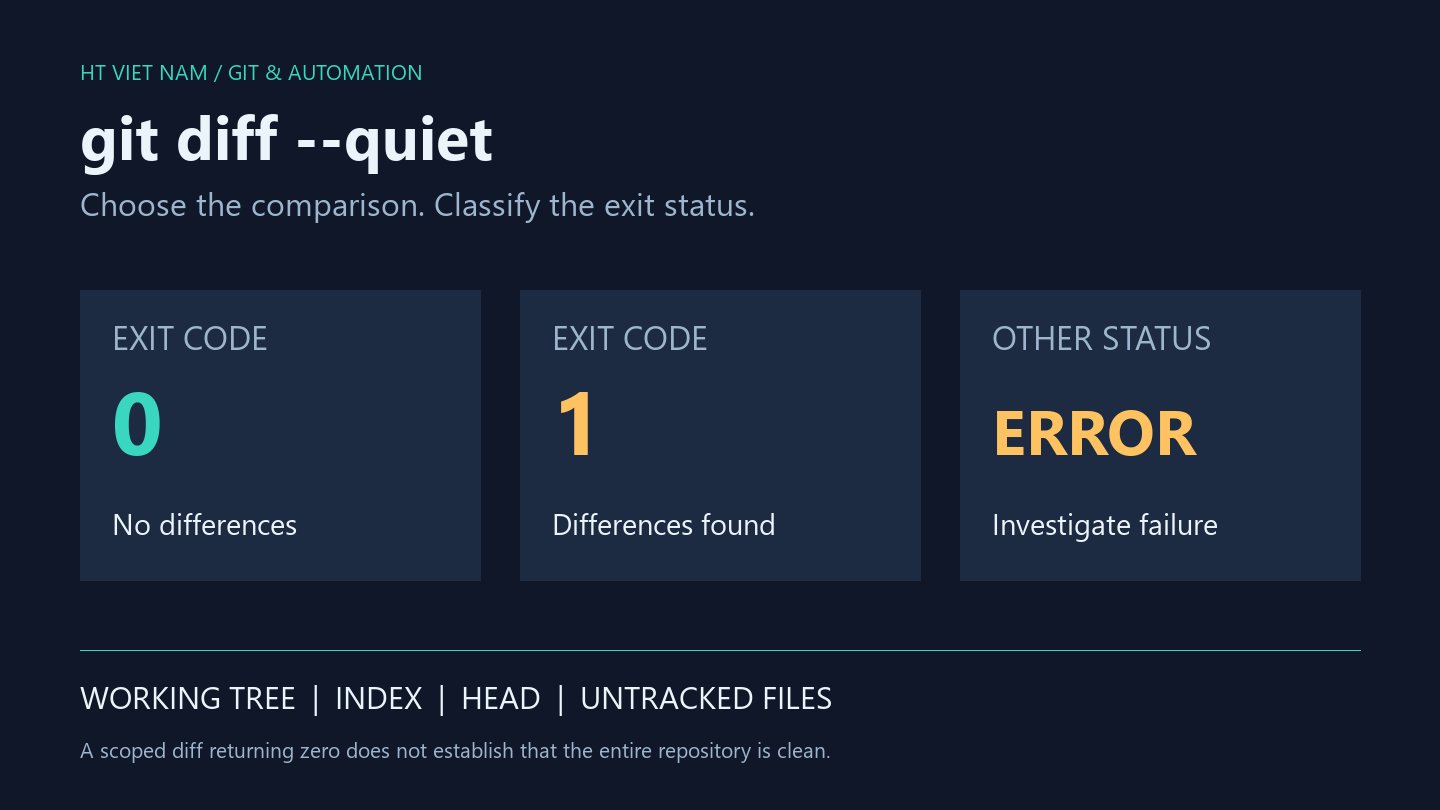
The wrapper must distinguish the targeted bug from missing dependencies, an unavailable database or absent credentials. For bisect run, exit 0 means good and exit 1 means bad; 125 marks a revision that cannot be tested. Do not convert every exception into bad.
An older application requiring an unavailable runtime is not evidence that its business behavior is broken. Likewise, a test depending on an external API timeout can make classification depend on network conditions rather than commits.
Skipping several revisions around the transition may leave multiple candidates. Preserve that uncertainty in the report instead of choosing the commit with the most suspicious message.
6. Validate the candidate and finish the session
git bisect log
git show --stat refs/bisect/bad
git bisect reset
Save the log using your shell's appropriate text-saving mechanism. Record the candidate, test criterion, environment and skipped revisions. After reset, inspect the branch and working tree before continuing other work.
The first bad commit is a boundary defined by the test and selected history, not a complete causal explanation. Inspect the diff, reproduce on the candidate and relevant good revision, and add a regression test for the fix. Dependency changes and interactions between commits may need further investigation.
7. A reliability checklist
- Both endpoints were verified with the same test.
- Inputs, runtime and configuration are repeatable.
- The test does not use a production database or send real email or webhooks.
- Infrastructure failures are distinguished from the target failure.
- Path restrictions are not added prematurely when dependencies or configuration might matter.
- The candidate has been independently rechecked and investigation notes preserved.
- The bisect session is reset, and the fix is developed on an appropriate working branch.
Bisect turns a broad suspicion into an evidence-backed boundary. Build a dependable test, let Git narrow the history, and use the result as the starting point for root-cause analysis.
No comments yet. Be the first to share your thoughts.