

Rebasing changes commit IDs, making a visual comparison of histories difficult. Git range-diff compares two versions of a commit series to highlight patches that stayed the same, changed, appeared, or no longer have a match. It is a useful review step before handing an updated branch back to teammates.
1. Ask the right comparison question
git diff compares content between states. git range-diff compares patches across two commit ranges. Comparing only the old and new branch tips can also show upstream changes introduced by the rebase, obscuring changes to the feature itself.
Imagine a pull request with three commits: input validation, error handling, and tests. After rebasing, a reviewer wants to know whether conflict resolution changed the error-handling patch. Range-diff supports that investigation; tests validate the final behavior.
2. Preserve the old boundaries
This example assumes you are on a linear feature branch, origin/main is upstream, and the working tree is clean. The review branch names must be unused. In PowerShell:
git status --short
git fetch origin
$oldBase = git merge-base HEAD origin/main
git branch review/base-v1 $oldBase
git branch review/topic-v1 HEAD
git branch review/base-v2 origin/main

git rebase review/base-v2
Preserve unfinished work through your team's workflow before proceeding when status is not clean. These review branches preserve comparison points, not uncommitted files. Fetch updates remote information, while rebase rewrites the current branch's history.
If conflicts occur, inspect and resolve them, run suitable checks, stage resolved files, and use git rebase --continue. Use git rebase --abort if you decide to stop. Compare the series only after the rebase finishes.
3. Compare explicit ranges
git log --oneline review/base-v1..review/topic-v1
git log --oneline review/base-v2..HEAD

git range-diff --no-color review/base-v1..review/topic-v1 review/base-v2..HEAD
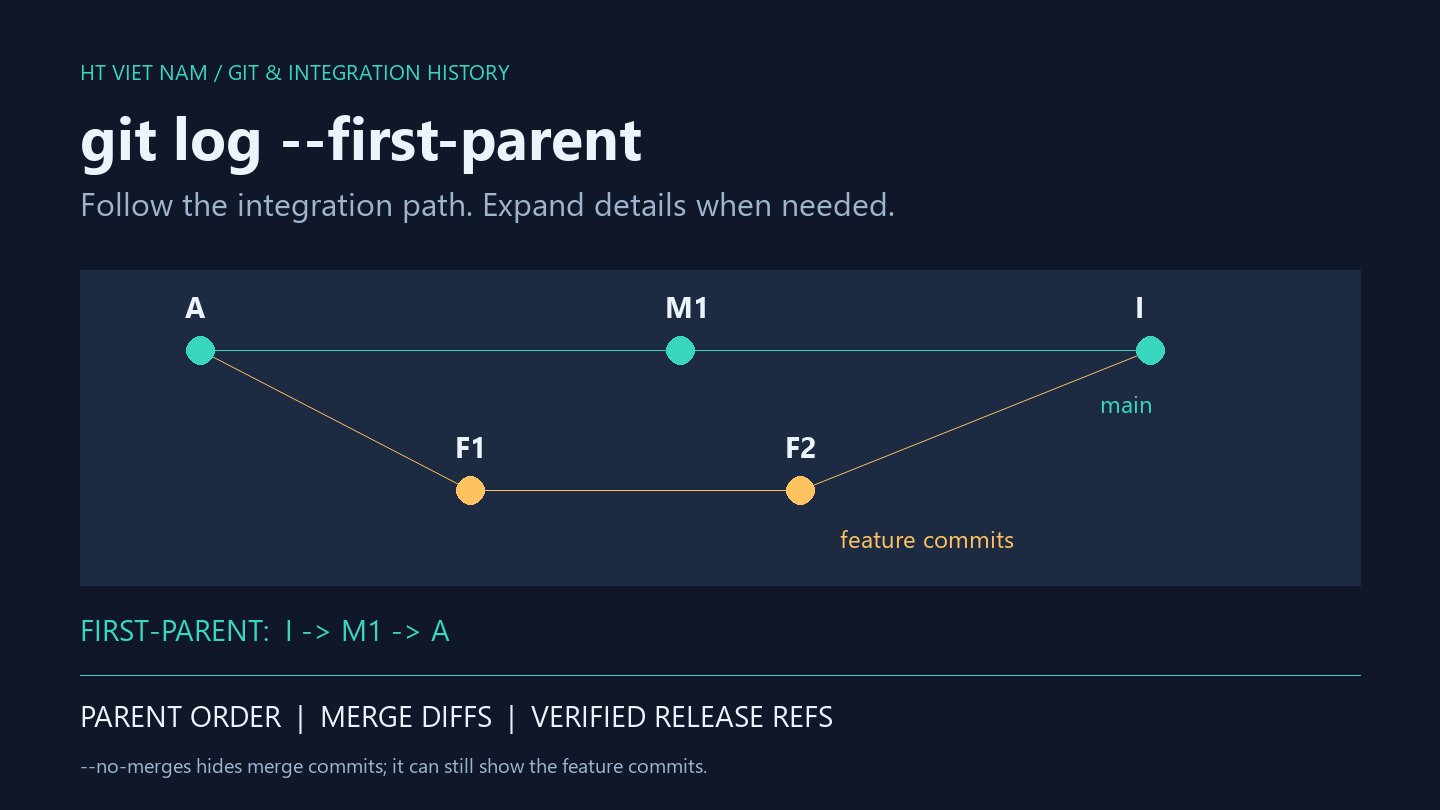
A..B selects commits reachable from B but not A. Inspecting each range with log helps validate the scope before interpreting matches. A separate base for each version clearly identifies the old and new series.
For versions sharing a base, git range-diff base old-tip new-tip is a shorter alternative. Explicit saved boundaries remain convenient for PR descriptions and repeatable reviews instead of relying on a reflog entry whose meaning may shift after more operations.
4. Interpret the matching output
The following lines illustrate output structure; the hashes and subjects do not describe a particular repository:
1: aaaaaaa = 1: ddddddd Validate input
2: bbbbbbb ! 2: eeeeeee Handle errors
3: ccccccc < -: ------- Add old test
-: ------- > 3: fffffff Add new test| Marker | Meaning |
|---|---|
| = | The matched patches are considered unchanged by the comparison |
| ! | A matched pair differs and needs inspection |
| < | An old commit has no corresponding match |
| > | A new commit has no corresponding match |
Matching uses similarity rather than absolute identity. Squashing, splitting, or extensive edits can appear as an unmatched old commit plus an unmatched new one. Inspect details beneath !: differences may involve the message or patch rather than program logic.
5. Review intentional changes
For the error-handling example, inspect the new commit, error path, and tests. The author should explain why resolution differs: an upstream API changed, an old test became inappropriate, or the earlier logic contained a defect.
git diff --stat review/base-v2 HEAD
git diff --check review/base-v2 HEAD
git diff review/base-v2 HEAD
These additional checks examine the final branch against its new base. Run relevant tests afterward. An equals marker does not prove identical runtime behavior because dependencies, configuration, or code in the new base may differ.
6. Understand the limits
- Merge commits are ignored by default. Inspect graph structure and version-specific options when reviewing merge-heavy branches.
- Output is intended for humans and is not guaranteed stable for machine parsing.
- Squashed or split series require additional log and diff inspection of many-to-one or one-to-many relationships.
- An incorrect base can include upstream commits and distort the review.
7. Hand off the review
Record old/new boundaries, reasons for significant changes, and executed tests in the PR. If only one patch changed, direct reviewers to it and explain the impact instead of pasting all output.
Retain review branches until the comparison is complete. Updating an already shared remote branch still follows team coordination rules; a completed range-diff does not authorize overwriting someone else's history. Completion means the ranges are correct, material differences are explained, and the final result is tested.
References
git range-diff, Git revision ranges, git rebase, and git diff.
No comments yet. Be the first to share your thoughts.