
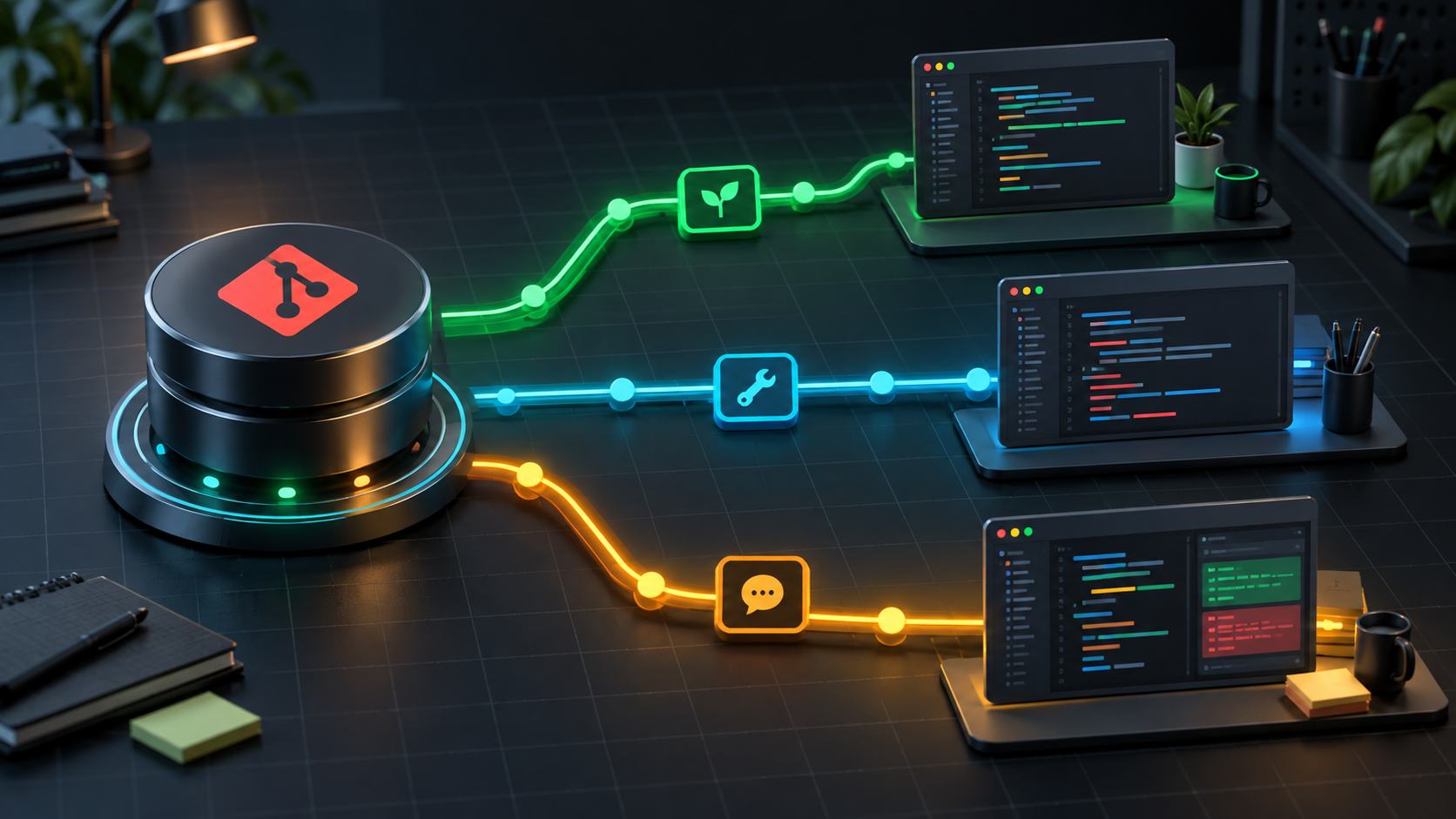
Two project folders can share a name while pointing to different repositories. Before pushing, especially with forks or multiple accounts, inspect remotes instead of assuming origin is correct. This guide only reads configuration; it does not push or change URLs.
1. Confirm the local repository
git rev-parse --show-toplevel
git status --short --branch
git remote
These identify the repository root, current branch and edits, and remote names. origin is a common convention, not proof that it identifies the team's official repository.
If no remote exists, do not invent a URL from the folder name. Obtain a verified address. Inspect copied project folders just as carefully as new clones.
2. Inspect fetch and push URLs separately
Replace origin if your remote has another name. Misconfigured URLs may contain credentials; inspect privately and redact secrets before sharing output.
git remote get-url --all origin
git remote get-url --push --all origin
The Git remote documentation explains that get-url expands relevant insteadOf and pushInsteadOf rules. --push selects push URLs, while --all lists every configured URL instead of only the first.
Check the hostname, owner or organization, and repository name. Fetch and push may use different access mechanisms but should represent the same repository for a given remote. Use separate remotes when fetching from an upstream and pushing to a personal fork.
3. Correct URLs do not establish permission
These commands do not connect to verify login or write access. SSH may select an unexpected key; HTTPS may use stored credentials. Neither a plausible URL nor a successful clone proves push permission.
Conversely, authorization errors do not necessarily imply a wrong URL. Separate destination inspection from authentication identity to avoid changing remotes for an account problem.
4. Verify the destination branch separately
A remote identifies a repository; branches and refspecs determine what is updated. Check the current branch and team conventions before writing. An upstream configuration does not mean an argument-free push behaves identically on every machine.
This guide does not recommend a trial push. If the repository or branch destination remains unclear, pause writes and confirm with the project owner.
5. Pre-push checklist
- Correct local repository path.
- Correct remote name, host, owner and repository.
- All push URLs inspected, not just the first fetch URL.
- Correct source and destination branches.
- Commit diff reviewed for unintended changes and secrets.
- No credentials pasted into tickets.
Remote inspection is a small safeguard against sending code to the wrong place. Pair it with branch, identity and commit-content checks rather than treating it as their replacement.
No comments yet. Be the first to share your thoughts.